 ZOMUMU
Free wallpapers
A little escape.
Right on your screen.
Keep Zomumu close, on your phone or your desktop.
A place on every screen.
Phone + desktop
Static wallpapers · Free to save
Blue Hour
Cobalt sky. A pearl-white shore.

Lock screen
A little company, every time you look.
Save lock screen
Home screen
Quiet color behind your apps.
Save home screen2160 × 4680 PNGs · Tap a preview for the original · Free
The clock is a preview only. Your downloaded images have no text or watermark.
Make it yours.
Pick a landscape and save the pair. Set the image with Zomumu as your lock screen, and its quieter companion as your home screen.
Free for personal use. Static sRGB PNGs. Colors do not switch automatically. Adjust the crop to suit your phone.
Set it on iPhone
Save both PNGs to Photos. Open Settings → Wallpaper → Add New Wallpaper → Photos and choose the lock-screen image. Select Customize Home Screen → Photos for the companion image.
Adjust the crop before saving. Use a light clock on Blue Hour and Moonrise; a dark clock on Apricot and Moss. Home-screen PNGs preserve crisp landscape edges. You can choose Blur in your phone settings if you prefer. Native depth and spatial effects are not included.
Set it on Android
Save both images. Open Wallpaper & style in your phone settings, choose the lock-screen and home-screen images, then adjust their crops. Menu names vary by phone.
Downloading on your phone
Use Save lock screen and Save home screen to save each PNG. If a link opens the image, press and hold to save it. Download the pair gives you a ZIP; open it in Files and save the two PNGs.
Larger clocks, widgets and notifications can overlap the artwork. Screen shape, zoom and device settings affect placement.
Prefer something softer?Explore Soft Light
The original Soft Light collection.
Two matching pairs in daylight and evening colors. 1440 × 3120 PNGs, still free to save.
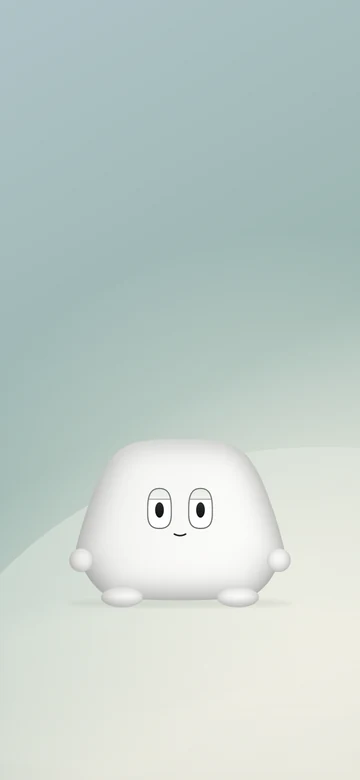
Lock screen
A little company. Room above for your clock.
Save lock screen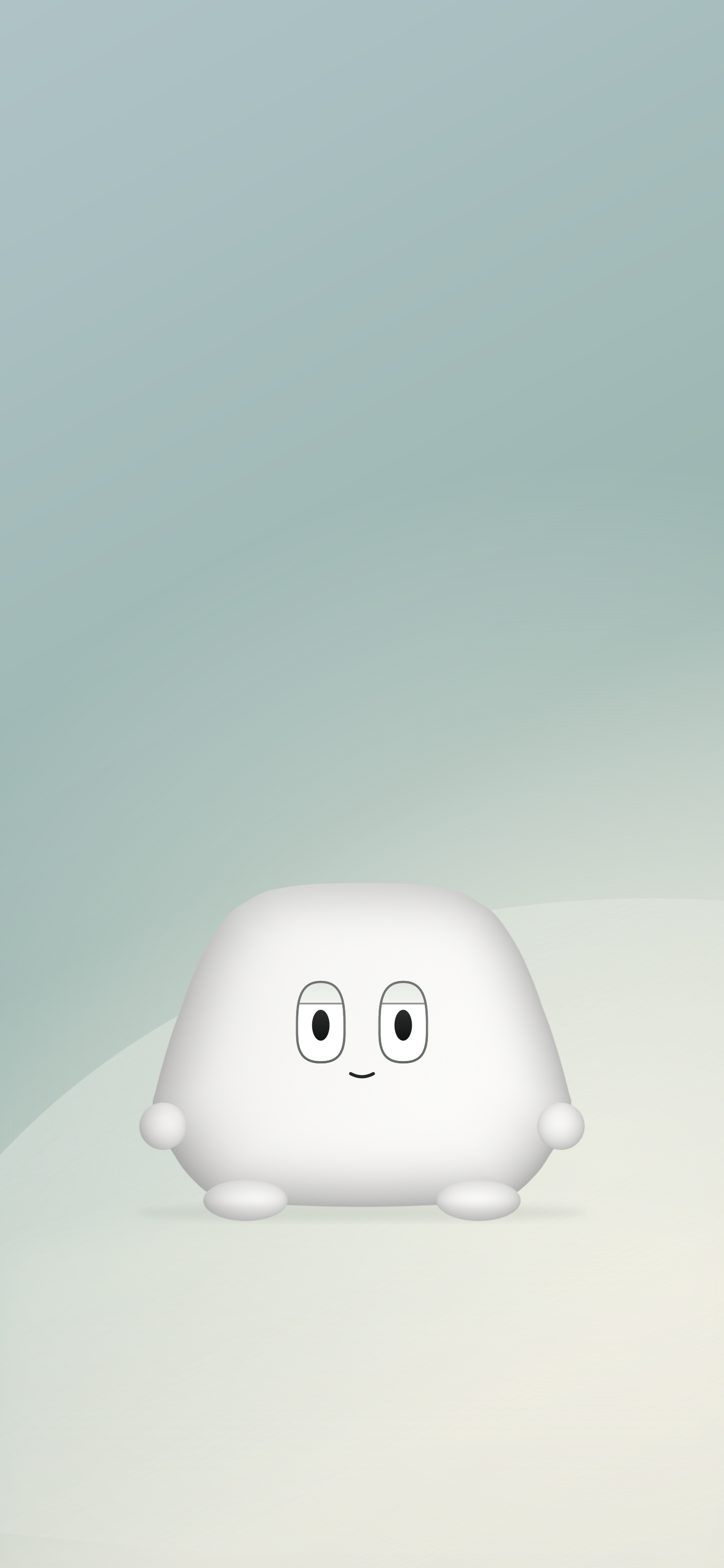

Home screen
The same soft light, with room for your apps.
Save home screen
3,840 × 2,160 · PNG
Daylight
Warm yellow. A little room to slow down.
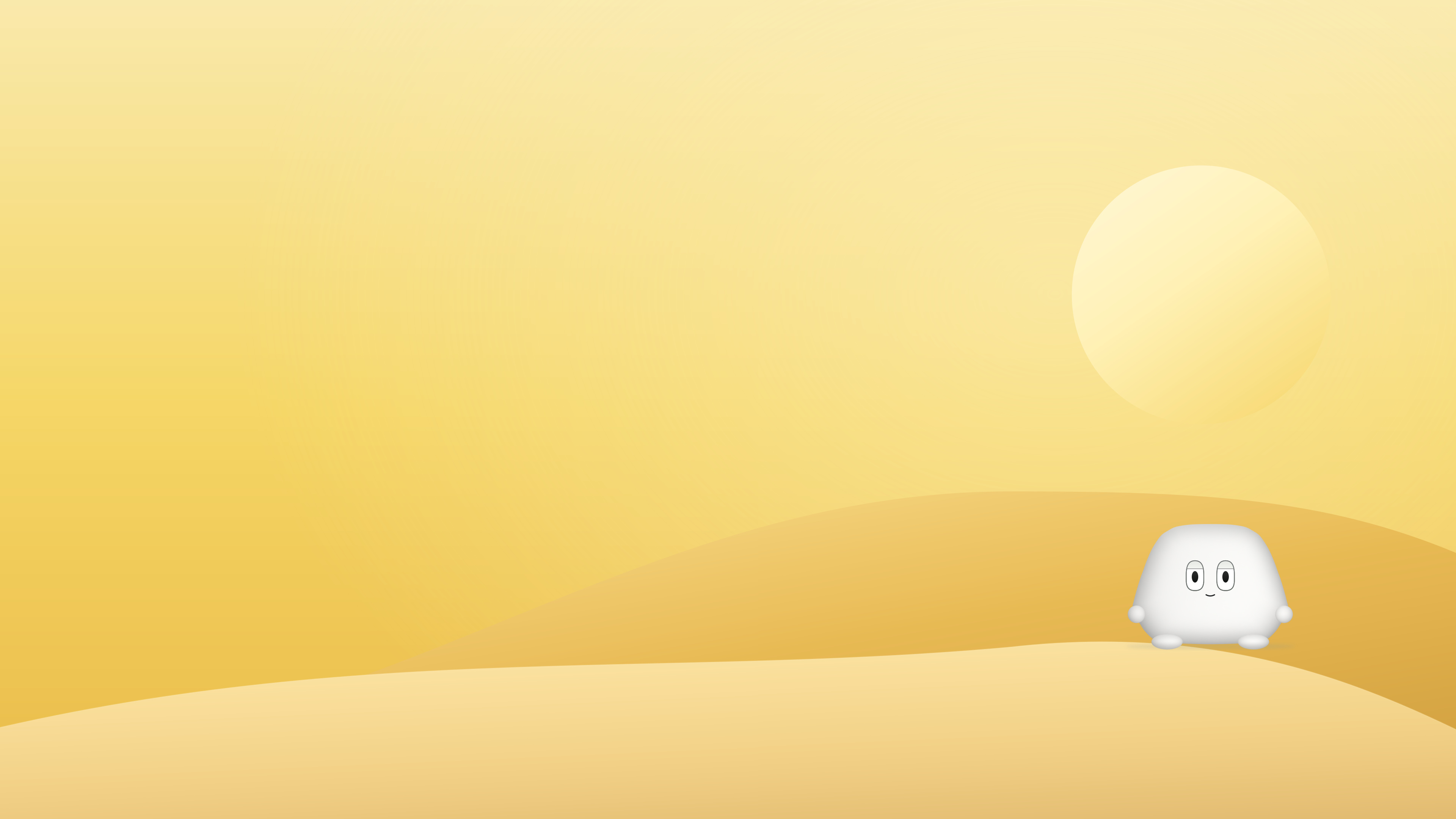
With Zomumu
A familiar face, off to the side.

Quiet background
A clear space for your desktop pet.
Two 16:9 wallpapers · Free · No account
The collectible
A window into Slowbeat Kingdom.
A whole neighborhood, taking its time.
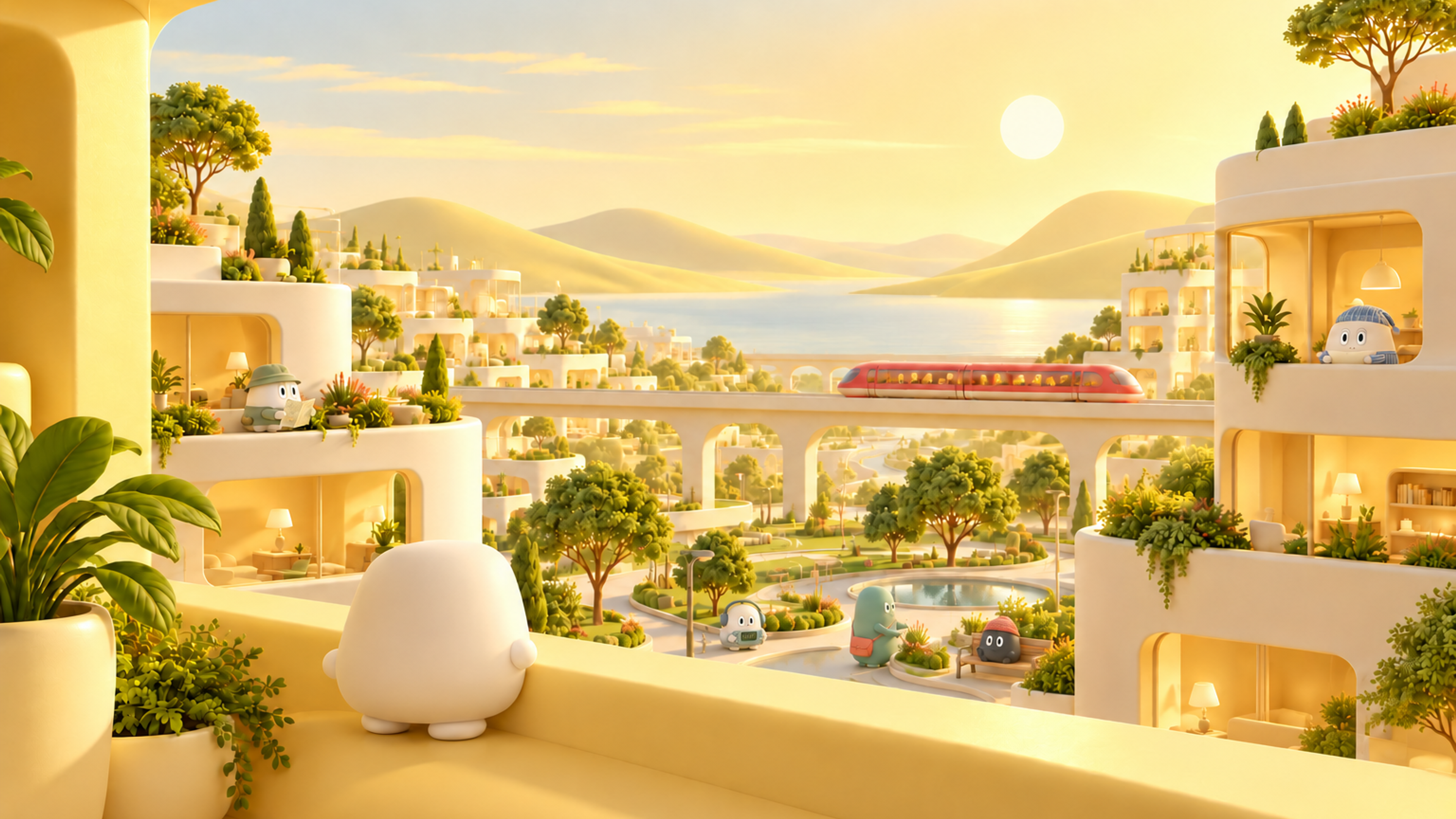
3,840 × 2,160 · A 16:9 crop enlarged from 1536px artwork; not native 4K detail.
Make room on your desktop.
Use the character version on its own, or the quiet background with your desktop pet. Both leave room for icons and the Dock or taskbar.
Static sRGB PNGs for personal use. Daylight and Nightfall are separate images; they do not switch automatically. These wallpapers do not install a desktop pet.
Set it on Mac
Save a PNG, then open System Settings → Wallpaper and add it from Photos or a folder. You can also right-click the image in Finder and choose Set Desktop Picture. Choose Fill Screen and check the crop.
Set it on Windows
Save a PNG. Open Settings → Personalization → Background, select Picture, and browse to the file. Choose Fill and check the crop. Menu names may vary.
Which screen shape should I choose?
16:9 is common for external monitors. 16:10 is common for laptop screens. Check your display resolution: 3840 × 2160 and 1920 × 1080 use 16:9; 3840 × 2400 and 2560 × 1600 use 16:10. For other shapes, pick the closest ratio and adjust the crop.
A pair ZIP contains two PNGs and a short guide. Wallpapers can be used on smaller screens; your computer scales them down. They are static SDR images, with no animation or native depth effect.
An idea for the next view, or something not quite right?
Tell us a littleA note now and then
Keep a little room for us.
New wallpapers, new outfits, and the desktop launch. Just when there’s something worth sharing.
Read the latest updates